YOUR APPLE PAY, WITH A NEW LOOK
Dress your cards in a premium skin.
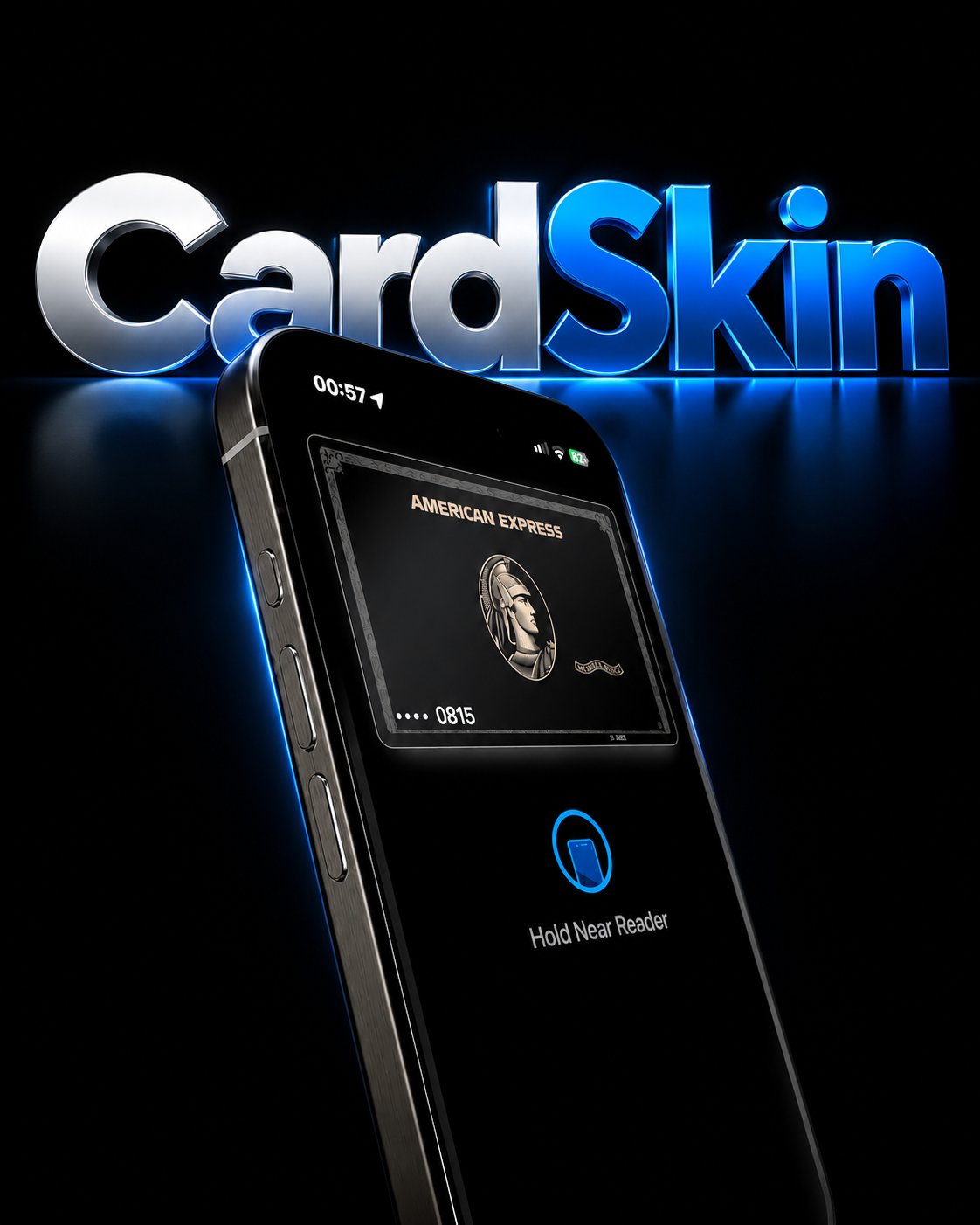
Pick your CardSkin and transform how your cards look in your iPhone Wallet. More style, more personality, zero changes to your bank.
Instant access · 100+ skins · Switch anytime
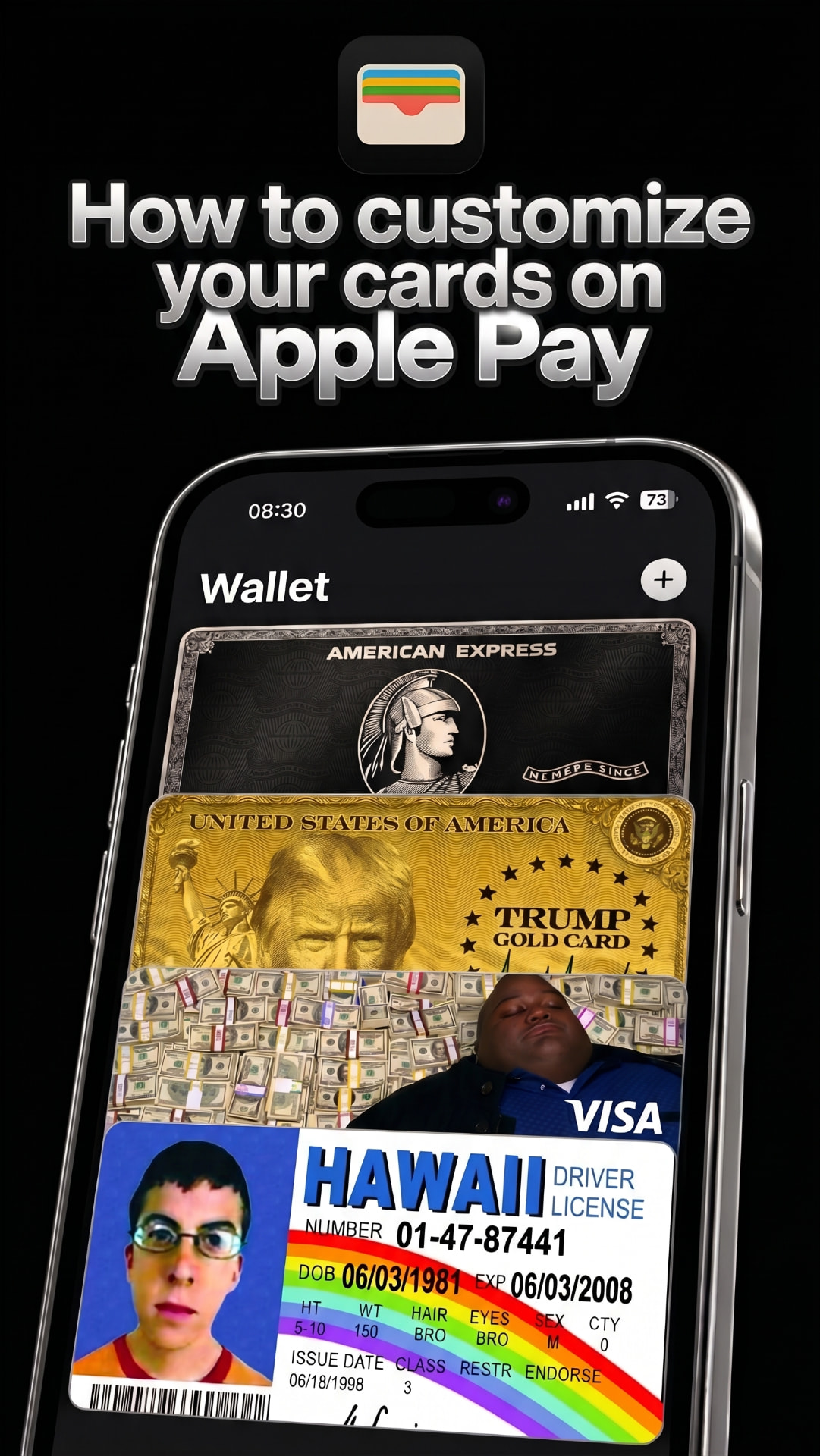
THE PRODUCT
What is CardSkin?
CardSkin is the system that changes the look of your Apple Pay cards.
Pick your skin, follow the video and apply the new look in minutes — right in your iPhone Wallet.
Nothing changes behind the scenes: details, numbers, limits and payments stay exactly as your bank provides them.
Only what you see on screen is different.

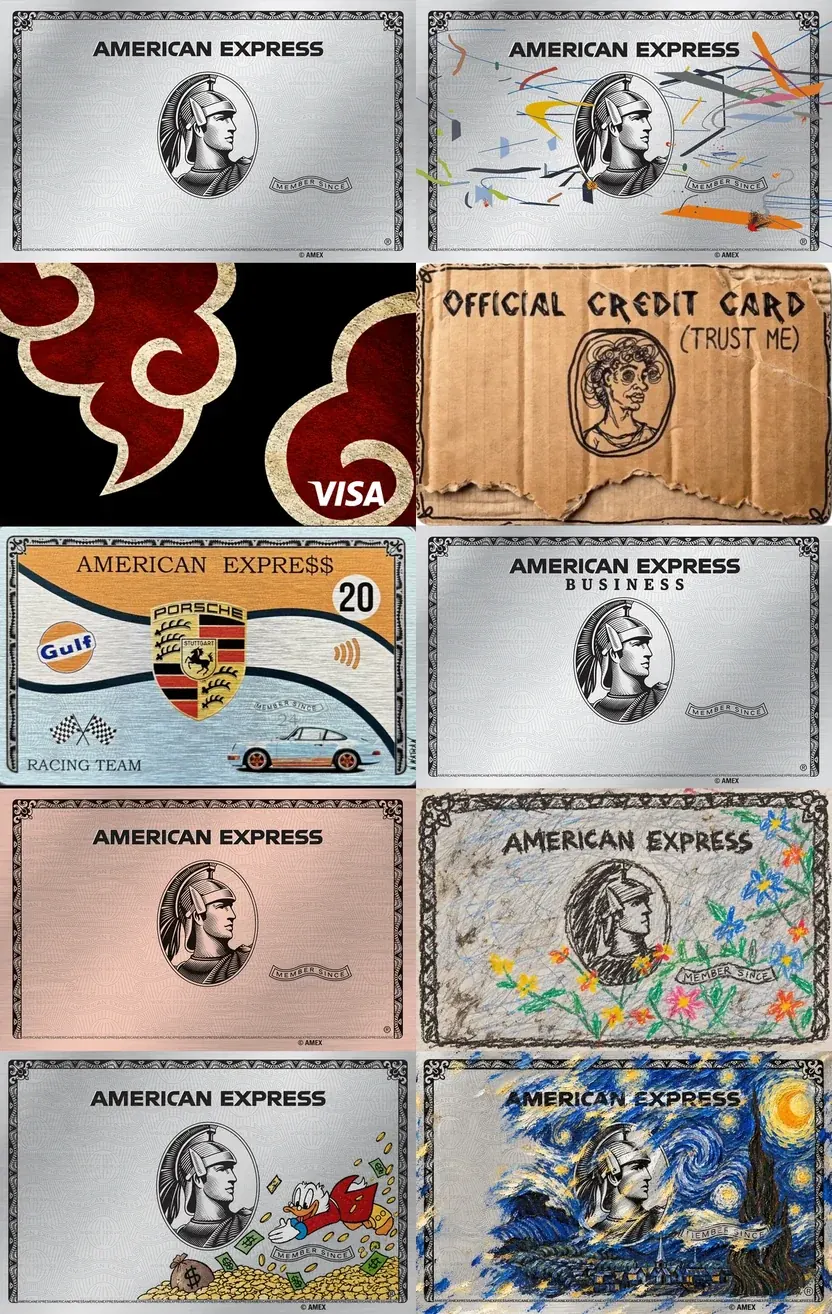
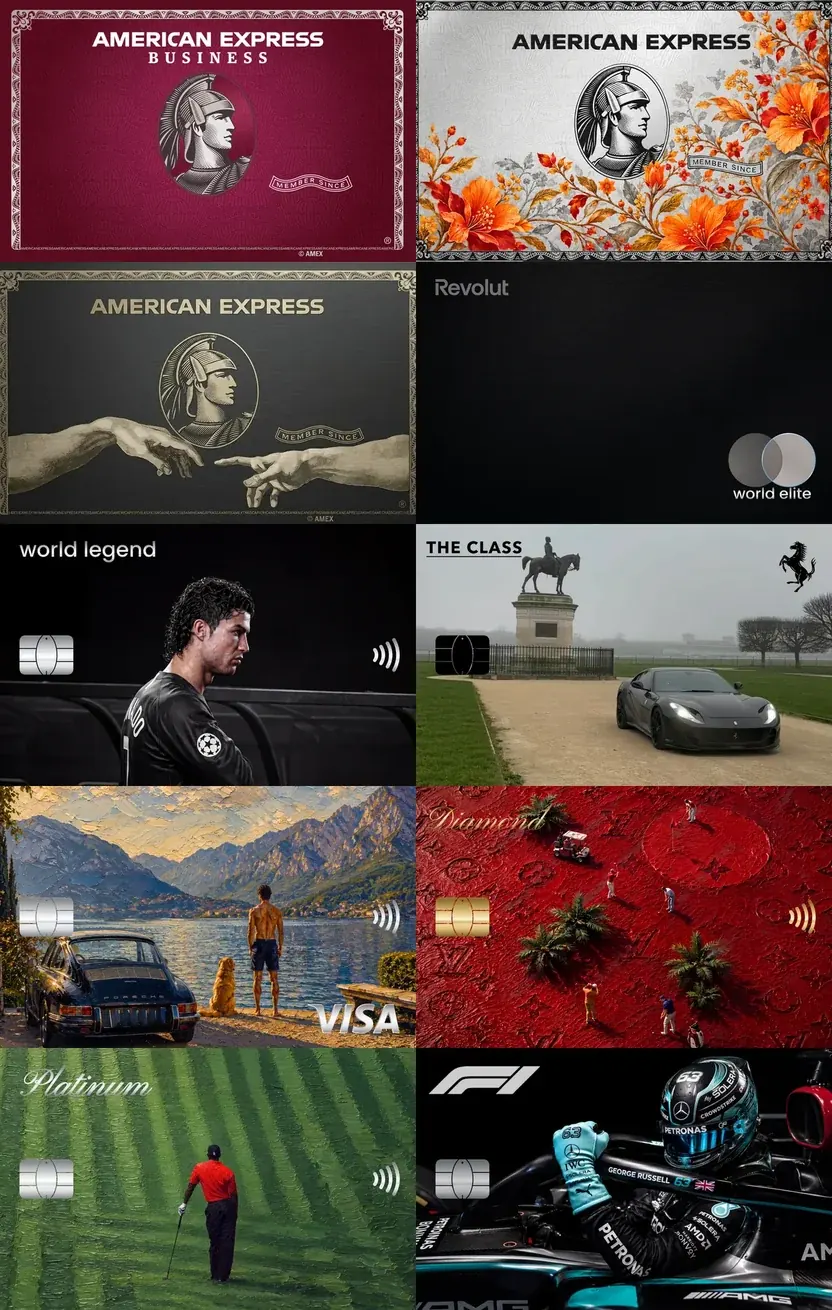
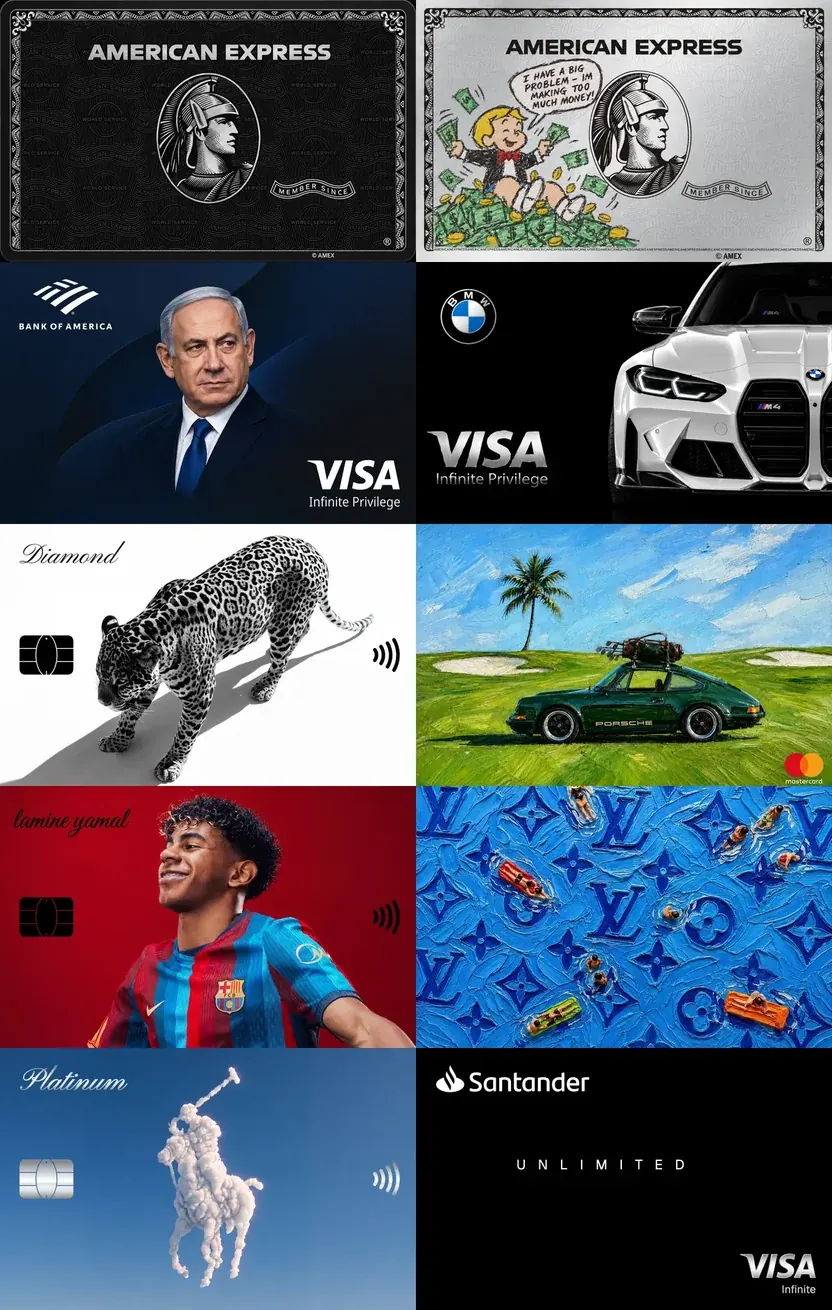
SKIN GALLERY
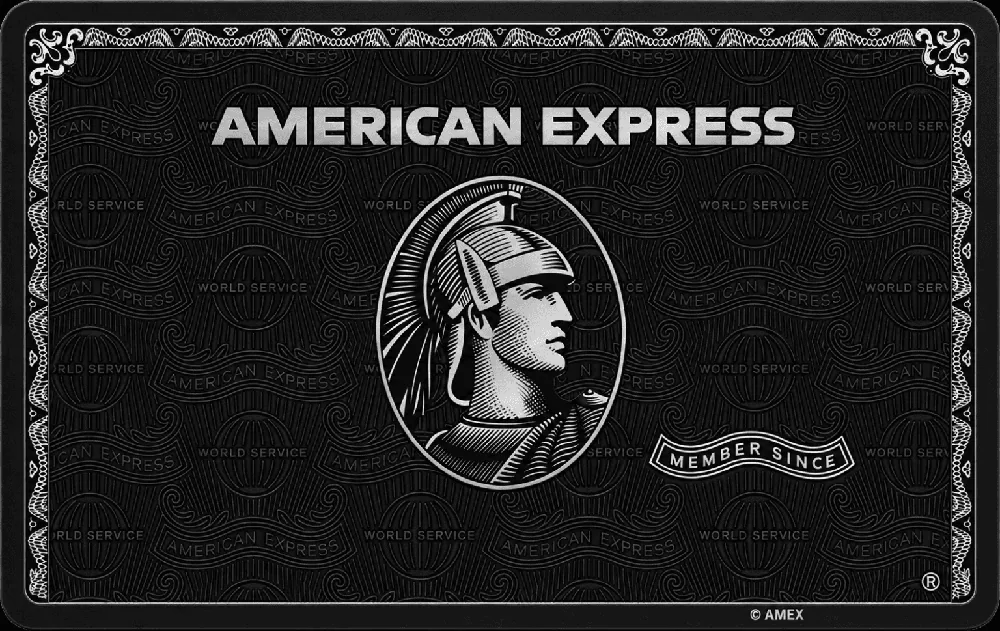
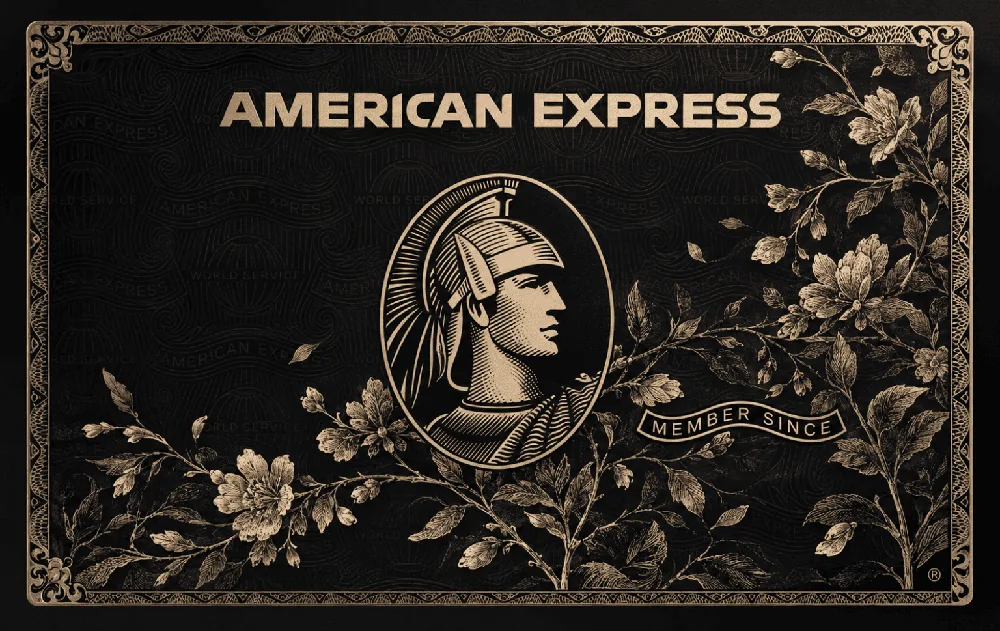
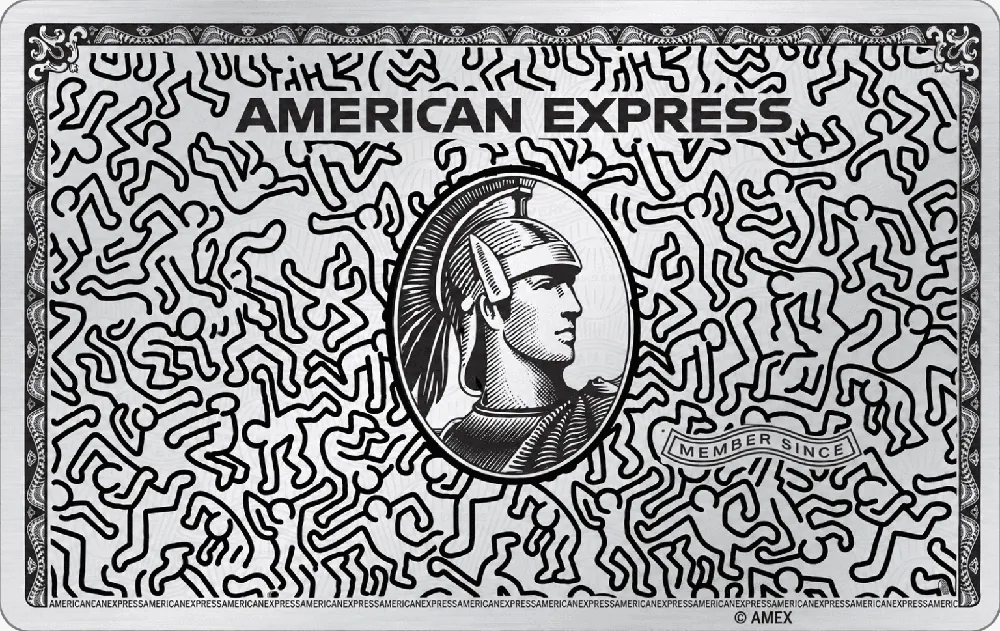
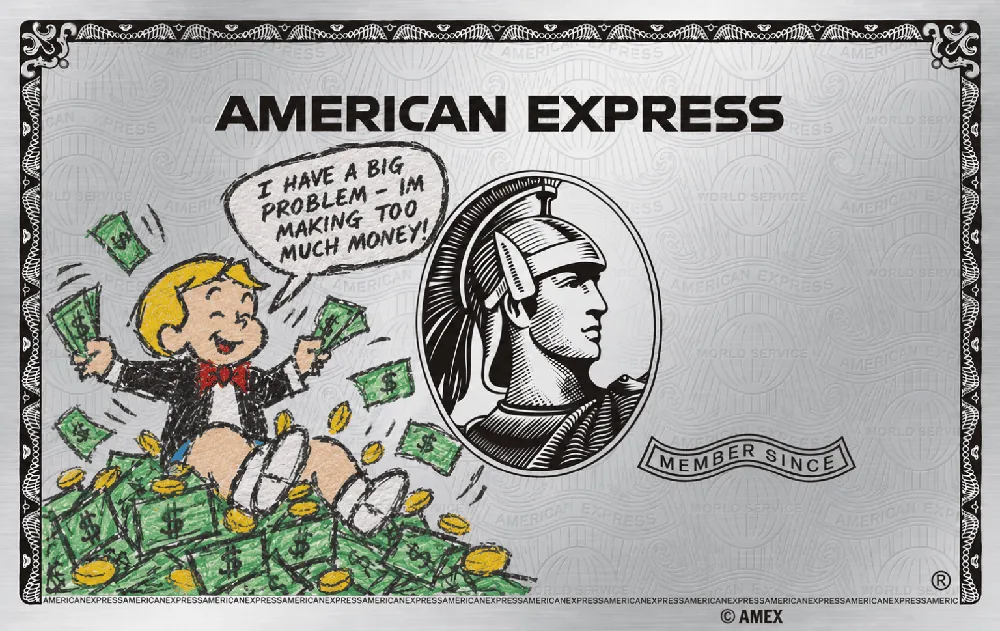
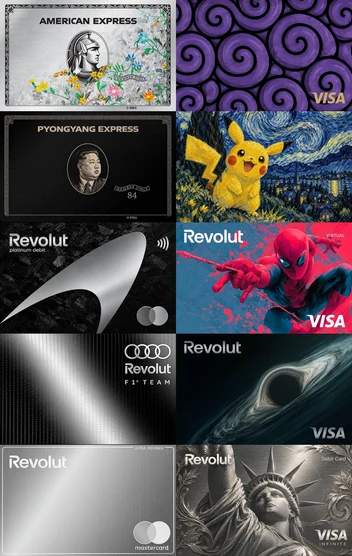
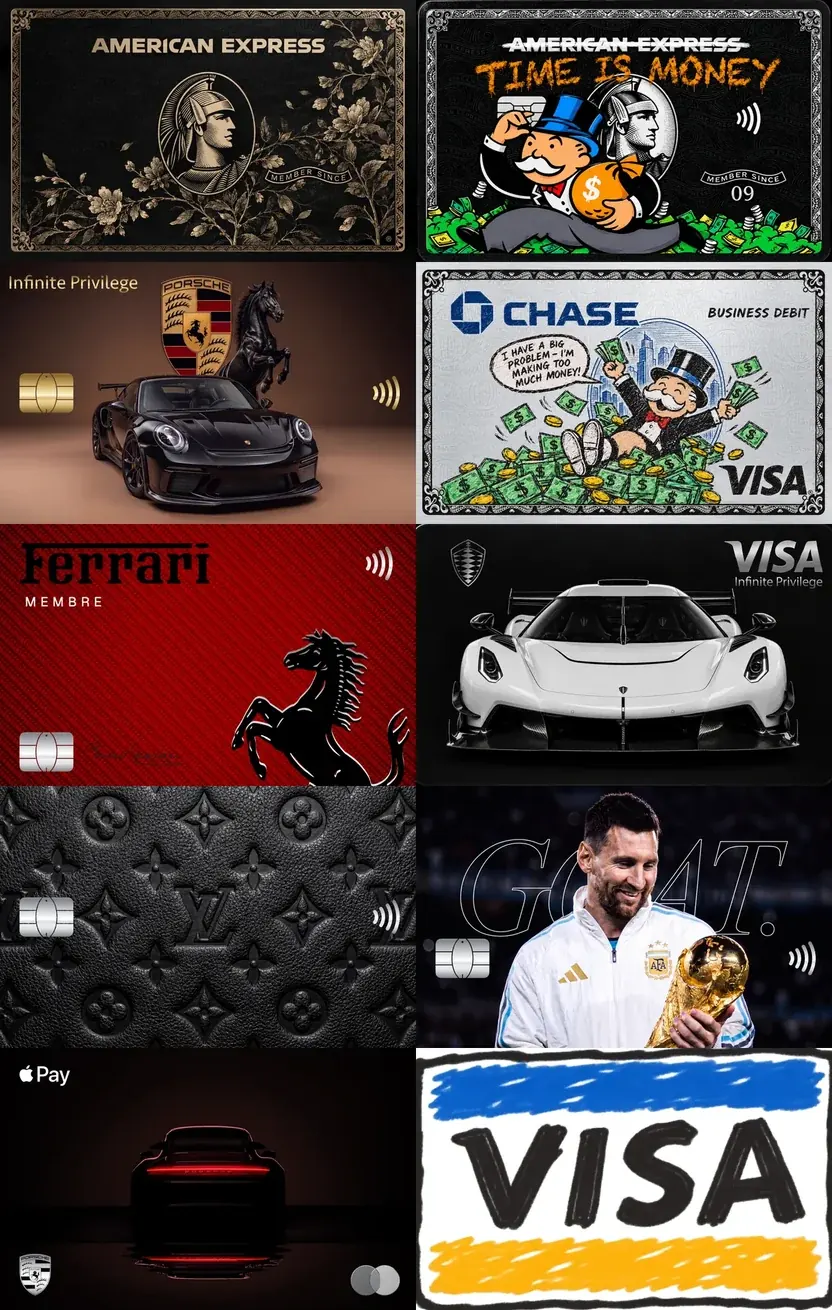
Choose your skin.
Over 100 options, from subtle and sophisticated to bold.

BEFORE AND AFTER
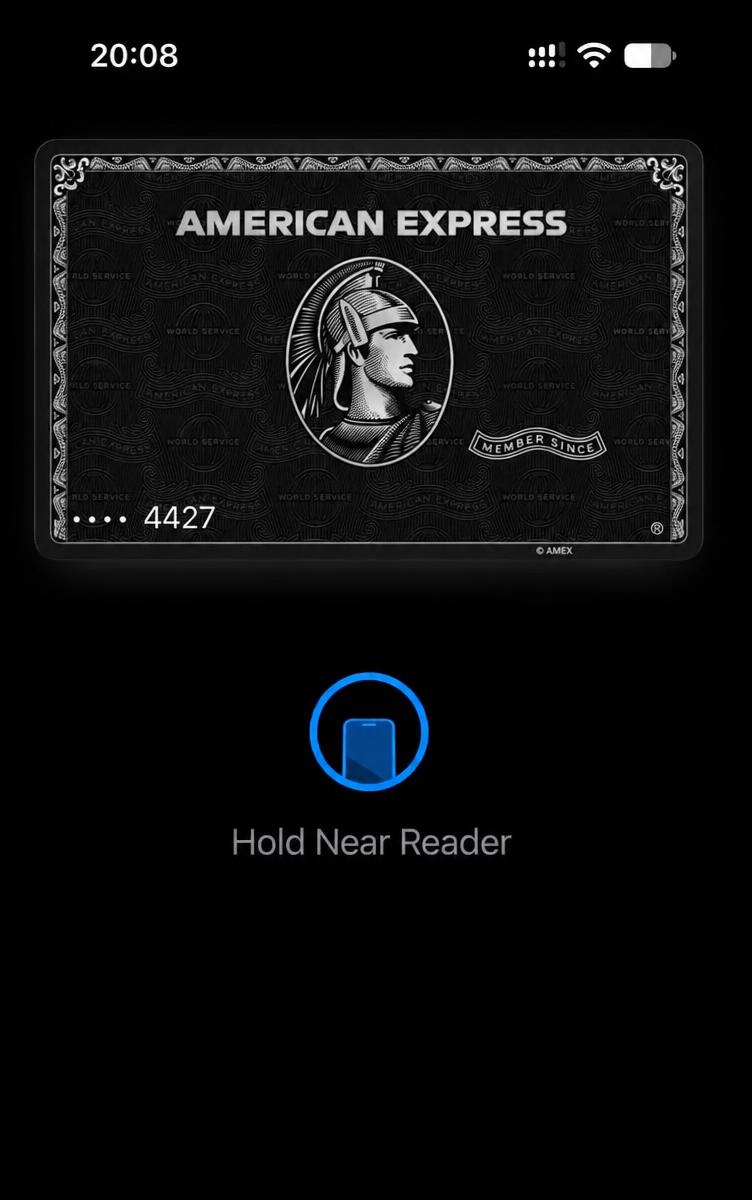
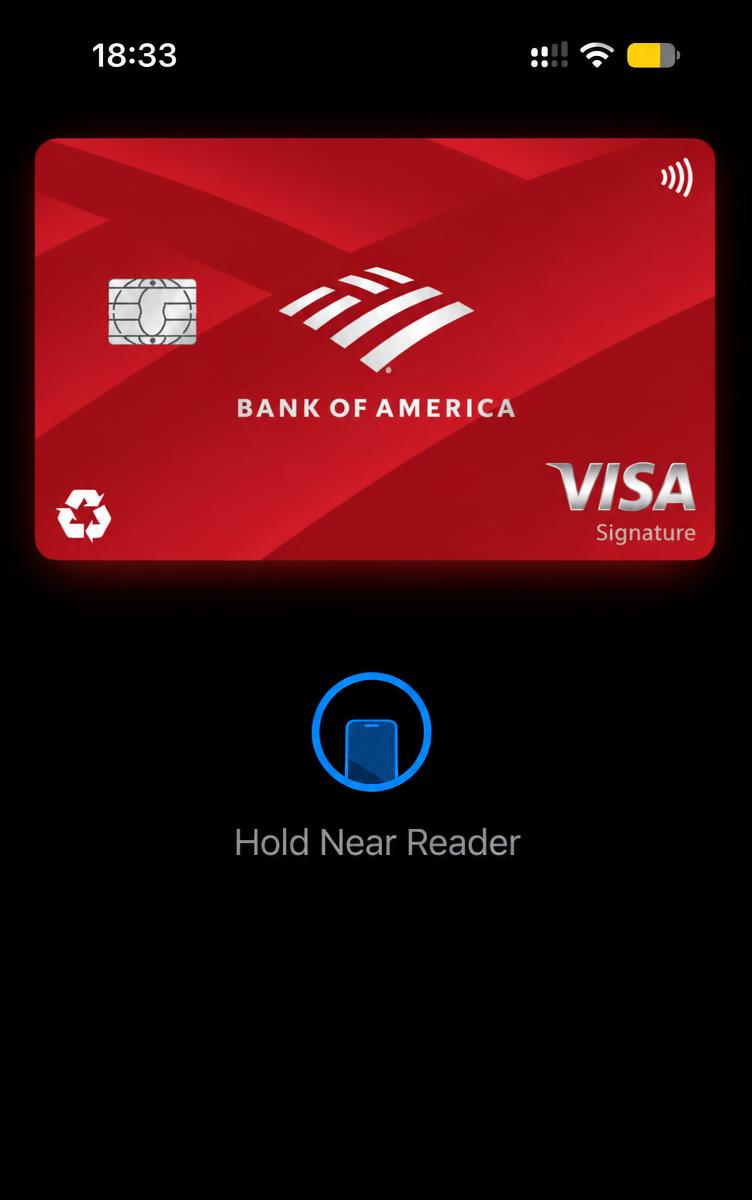
The difference a skin makes.
Drag to compare. Same card, new look.
 BEFOREAFTER
Same card, same details. CardSkin only changes the look.
SAFETY
New skin. Still your card.
CardSkin never accesses, changes or stores bank details, card numbers, passwords, limits or payment information.
100+ skins
Premium, sophisticated and bold.
Step-by-step video
Learn even with zero experience.
Instant access
Get everything as soon as you pay.
100% visual
No bank data is ever touched.
REAL CUSTOMERS
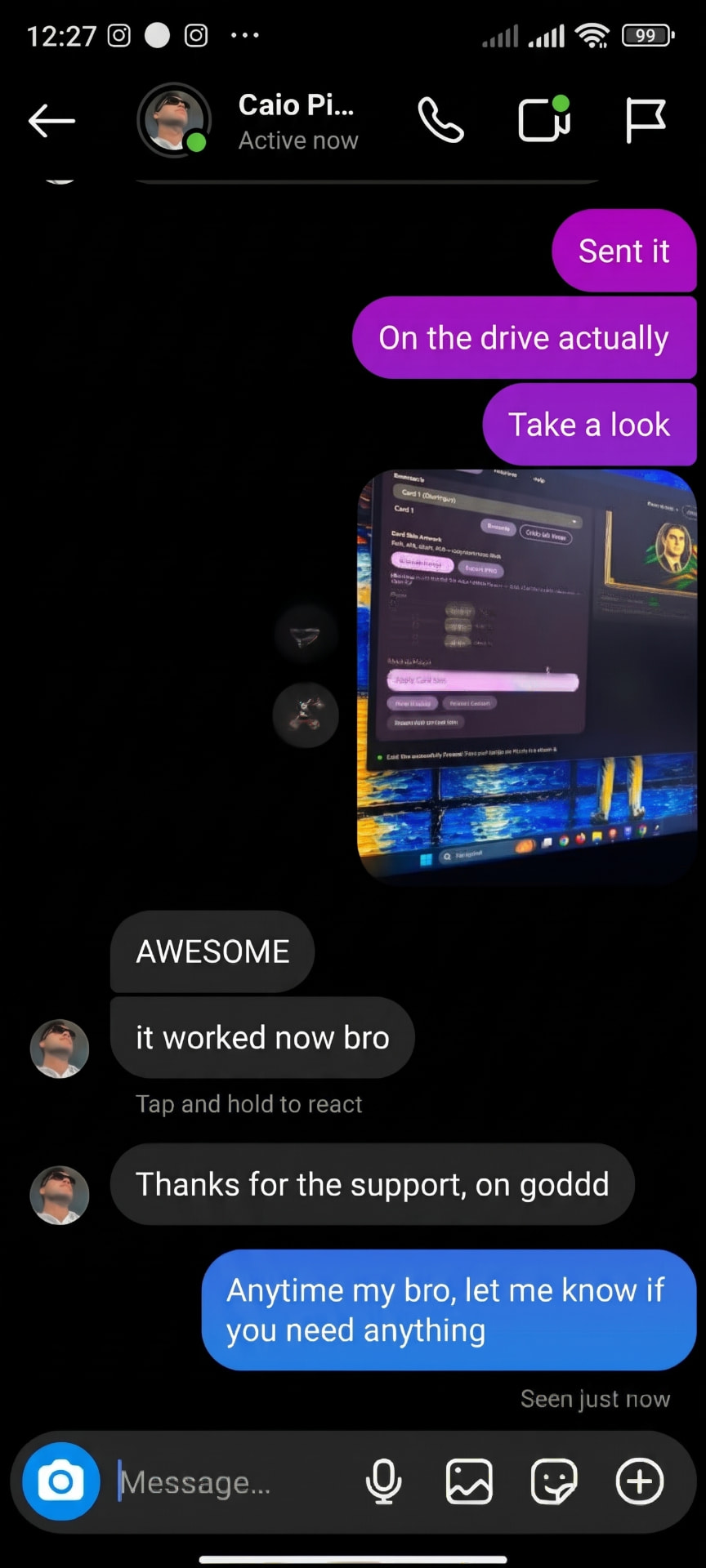
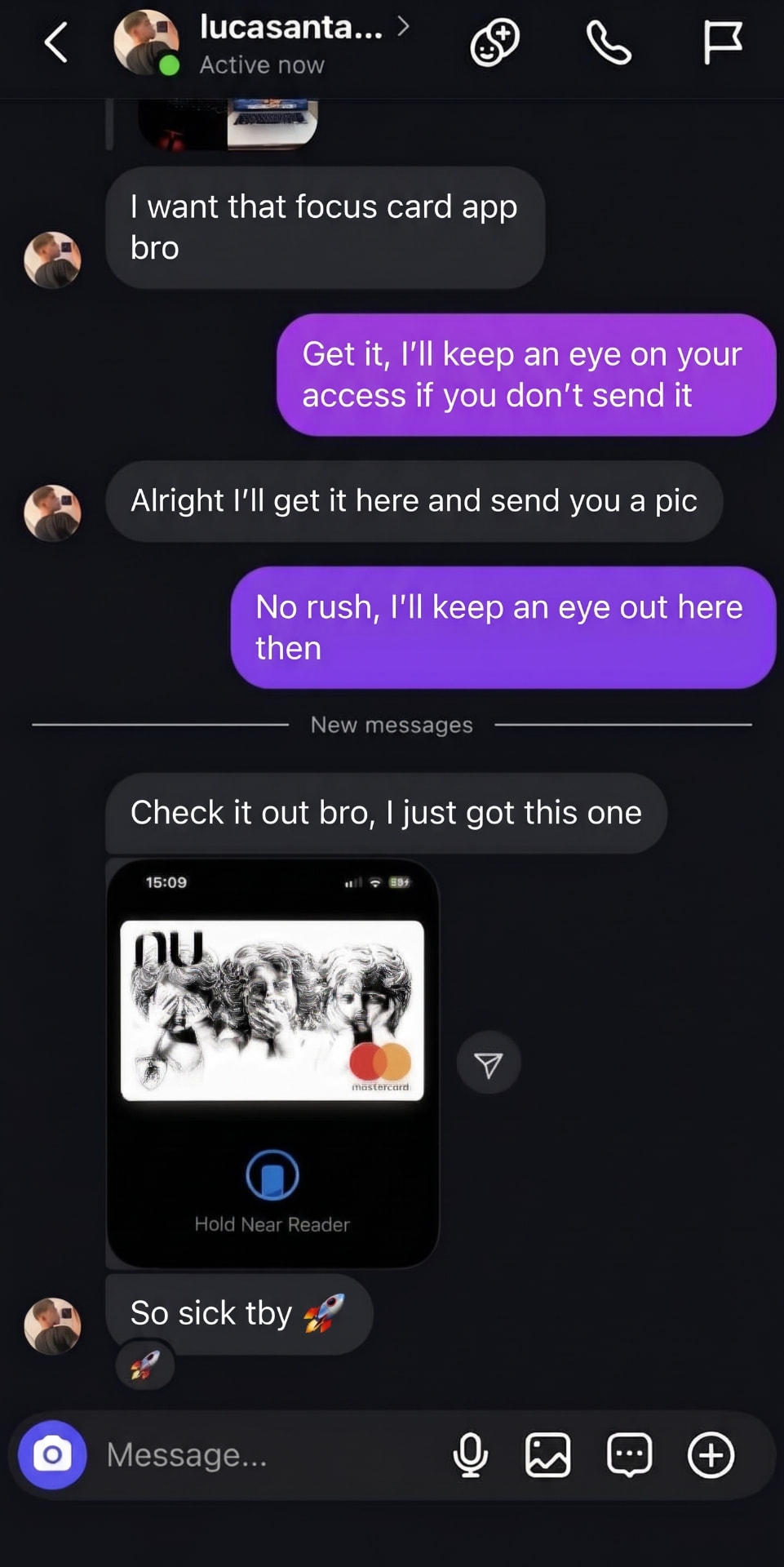
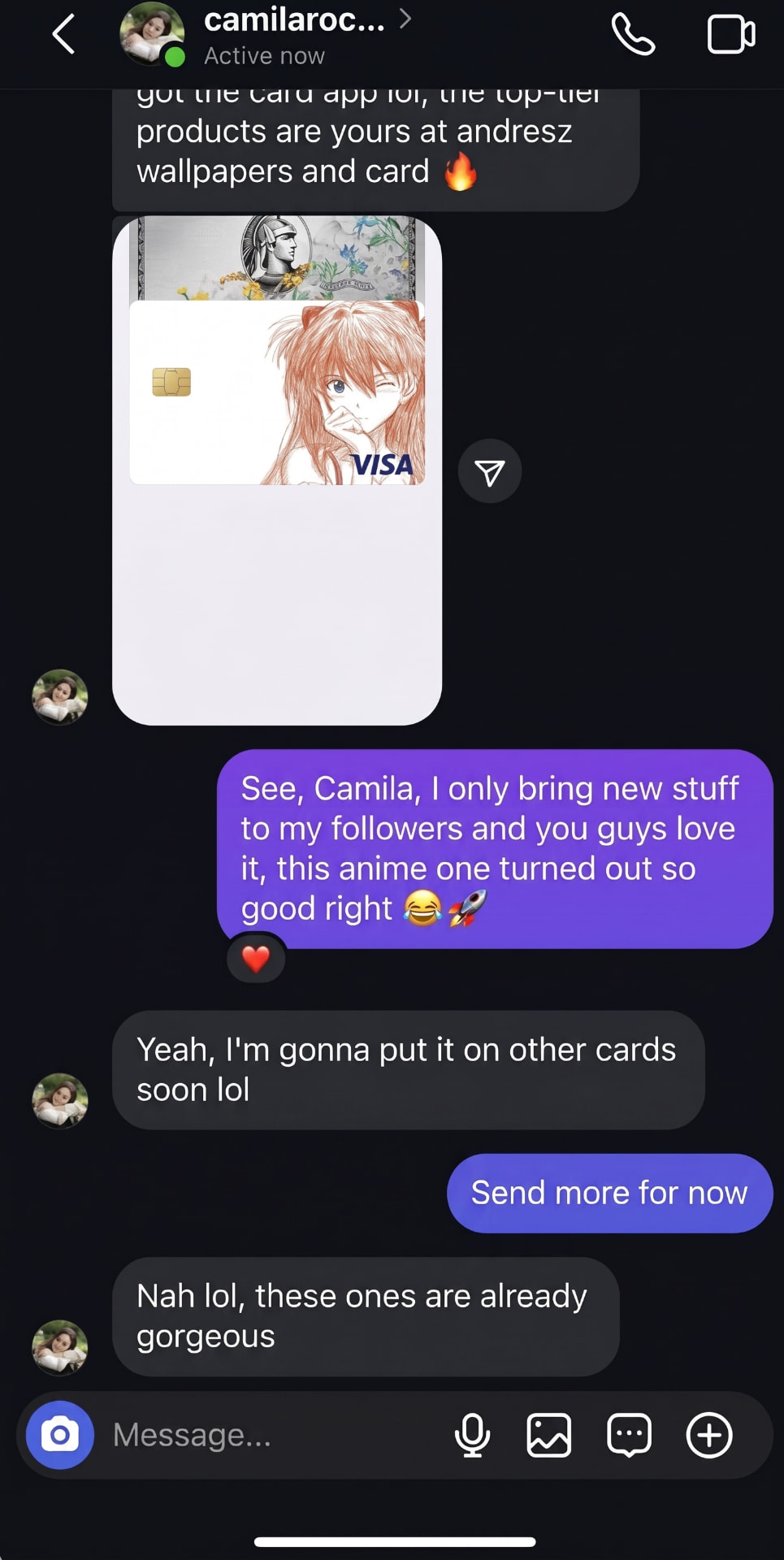
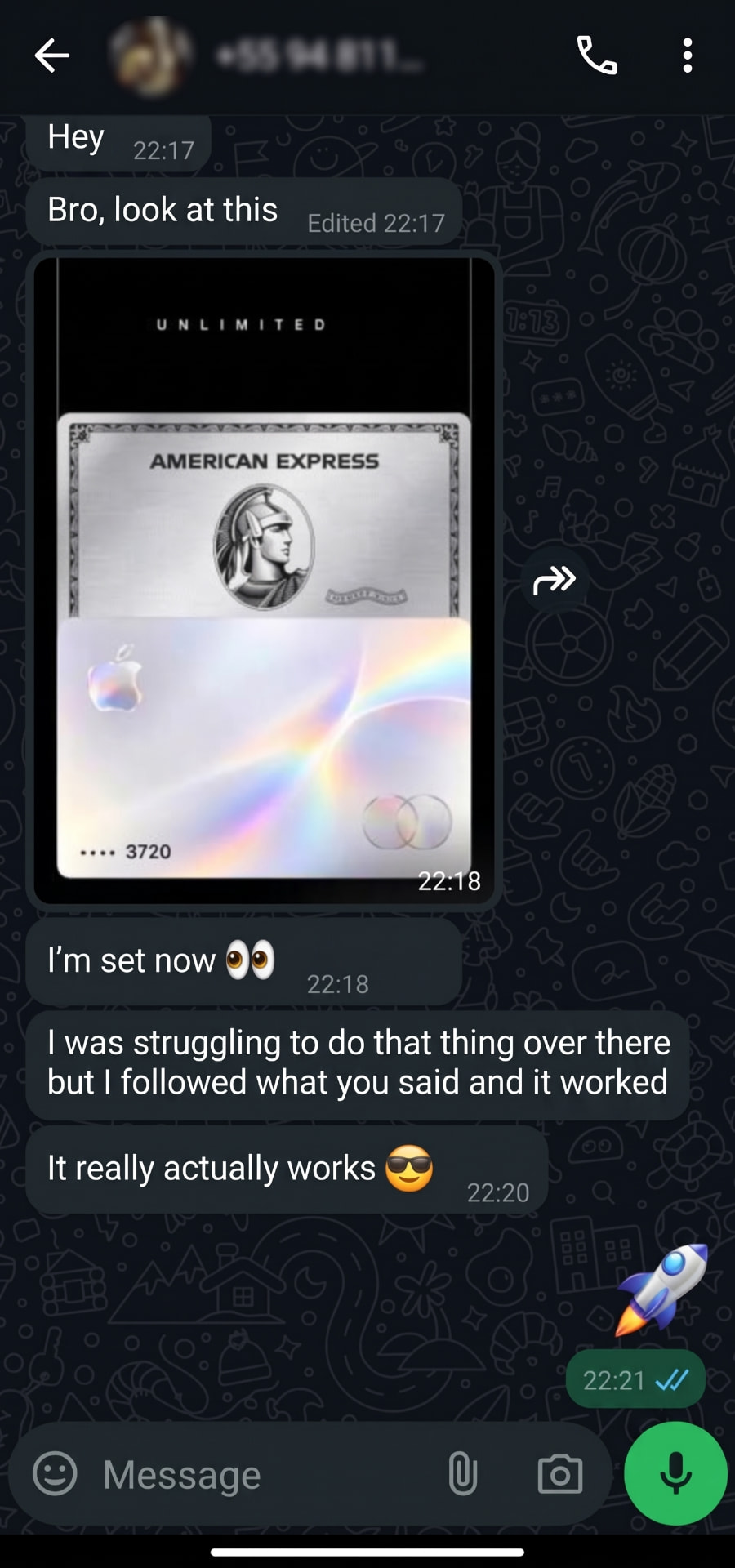
They tried it, they showed it.
Real screenshots sent by customers via Instagram and WhatsApp.
PLANS
Open. Tap. Impress.
One-time payment. No subscription. No monthly fees.
Basic System
- CardSkin System
- 50 skins
- How-to video
- Instant access
One-time payment · was $ 19.90
$ 9.90
Master System
+101 skins- CardSkin System
- Over 100 skins
- All current skins
- Future updates
- Exclusive editions
- Mac and Windows tutorial
- How-to video
- 1-on-1 WhatsApp supportMASTER ONLY
- 7-day guarantee
One-time payment · was $ 39.90
$ 19.90
Important: you need access to a computer to apply the customization.
100% secure payment · Instant access · 7-day guarantee on Master
FAQ
Before you pick your skin.
Does CardSkin change my card details?
No. It only customizes the look shown in your digital wallet. Bank details, numbers, limits and payments are never accessed or modified.
Is there a monthly fee?
No. It's a one-time payment with no recurring charges.
When do I get access?
Right after your payment is confirmed you get digital access plus the how-to video.
Can I change the skin later?
Yes. You can switch skins whenever you want by following the video.
What do I need to apply it?
A compatible iPhone and a computer running macOS or Windows.
Your card. Your skin.
Choose your plan now and give your wallet an identity that matches you.
CHOOSE MY SKINRequires a compatible iPhone and a computer running macOS or Windows.